
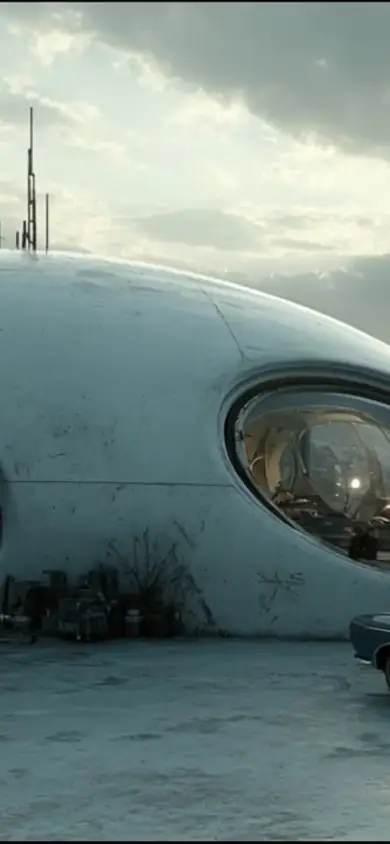
Kling 4.0 AI Video Generator
Create cinematic AI videos with Kling 4.0 from text, images, and references. Generate up to 30-second videos with 4K output, realistic motion, synchronized audio, and creative control.
Daily free credits · Text & image to video·Cinematic ads
Kling 4.0 video examples
AI Video Prompts & Examples
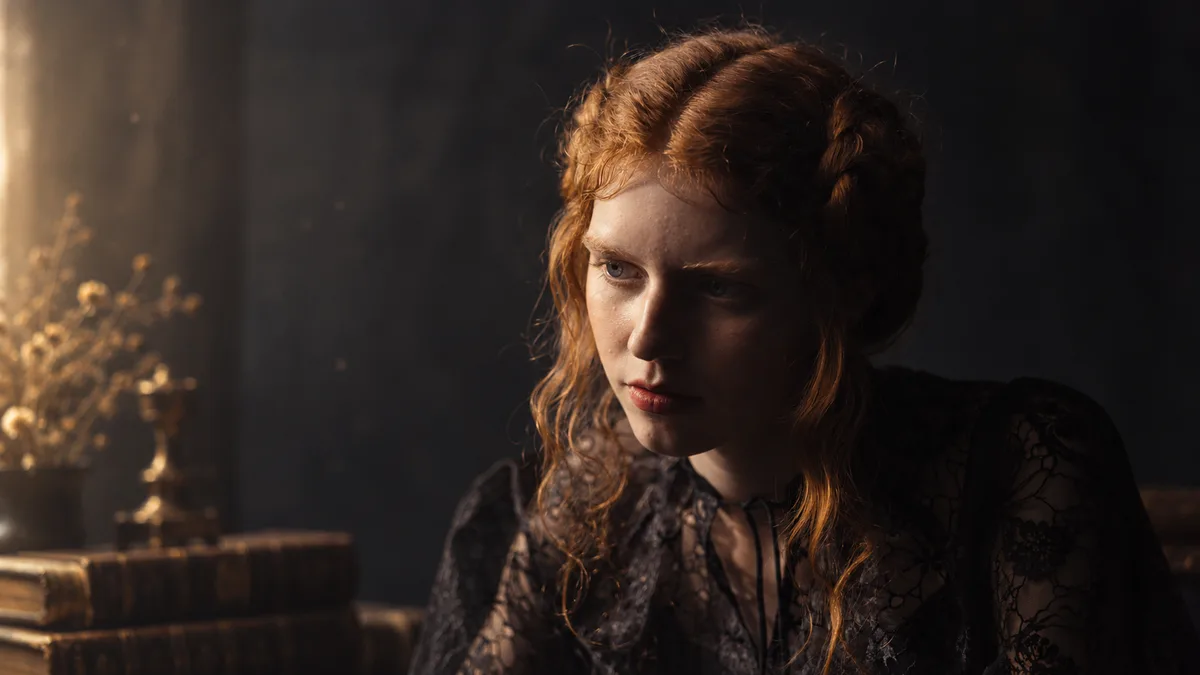
Cinematic Portrait
Warm-lit portrait with a slow camera push-in.
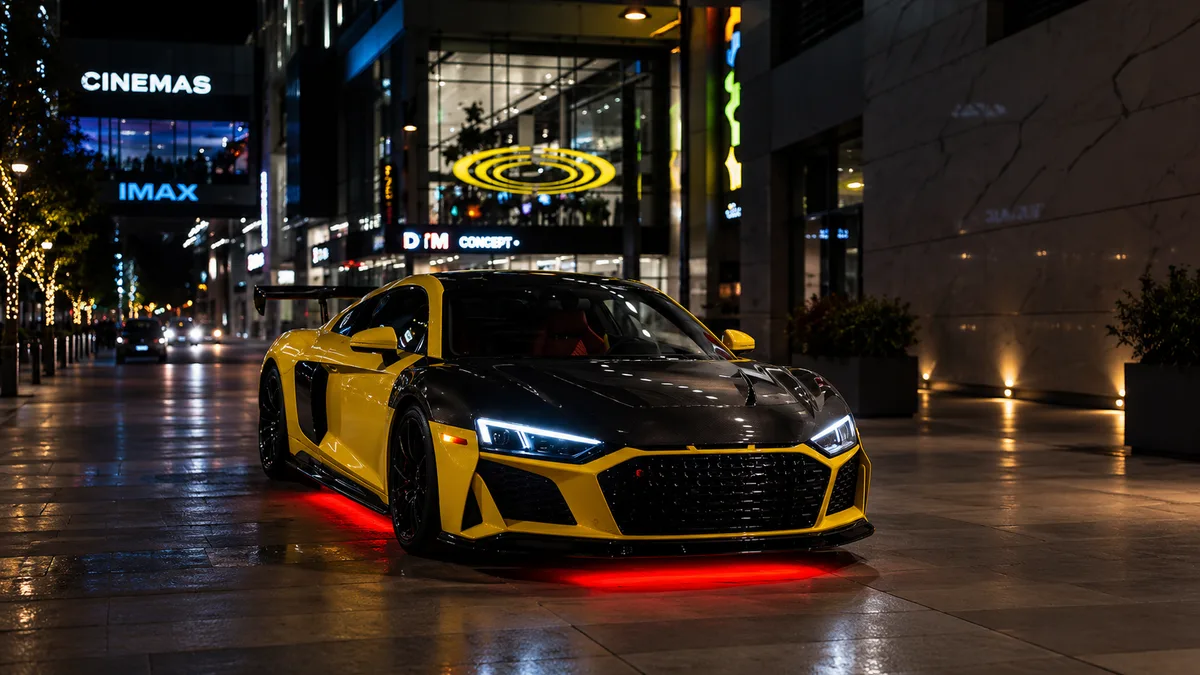
Luxury Supercar
Neon night drive with a low tracking shot.

Luxury Perfume
Blue perfume bottle amid slow-motion water.

Alien Planet
Astronauts and floating rocks beneath a ringed planet.
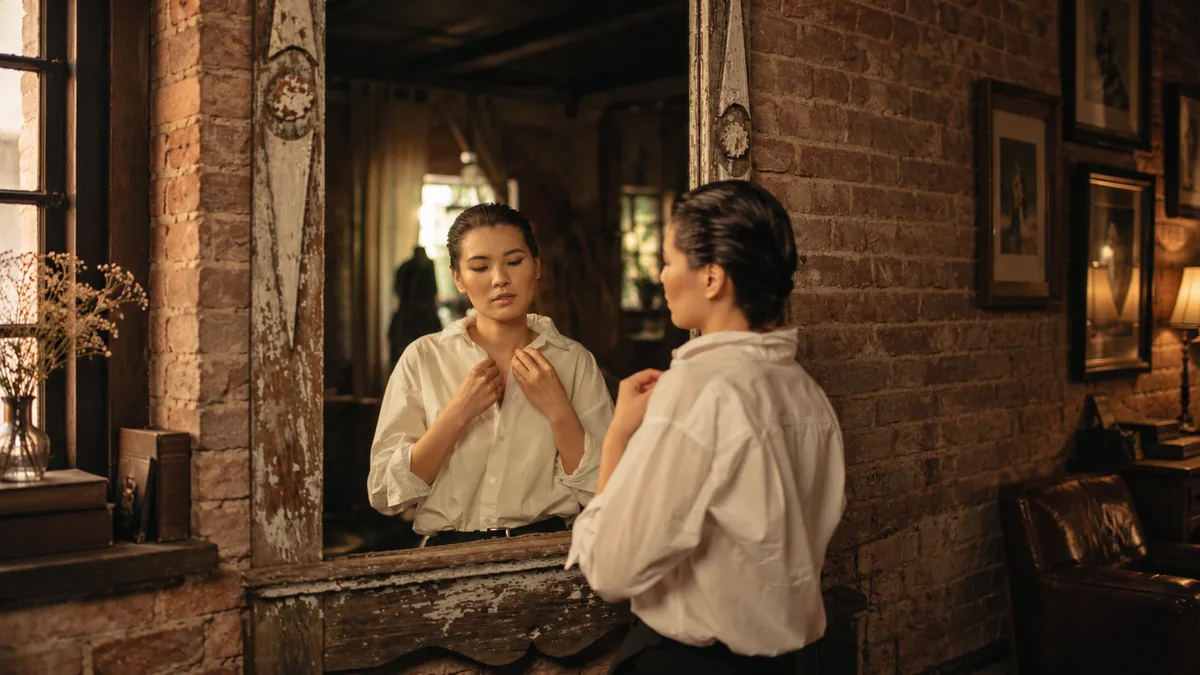
The Mirror Illusion
A mirror reflection moves on its own.
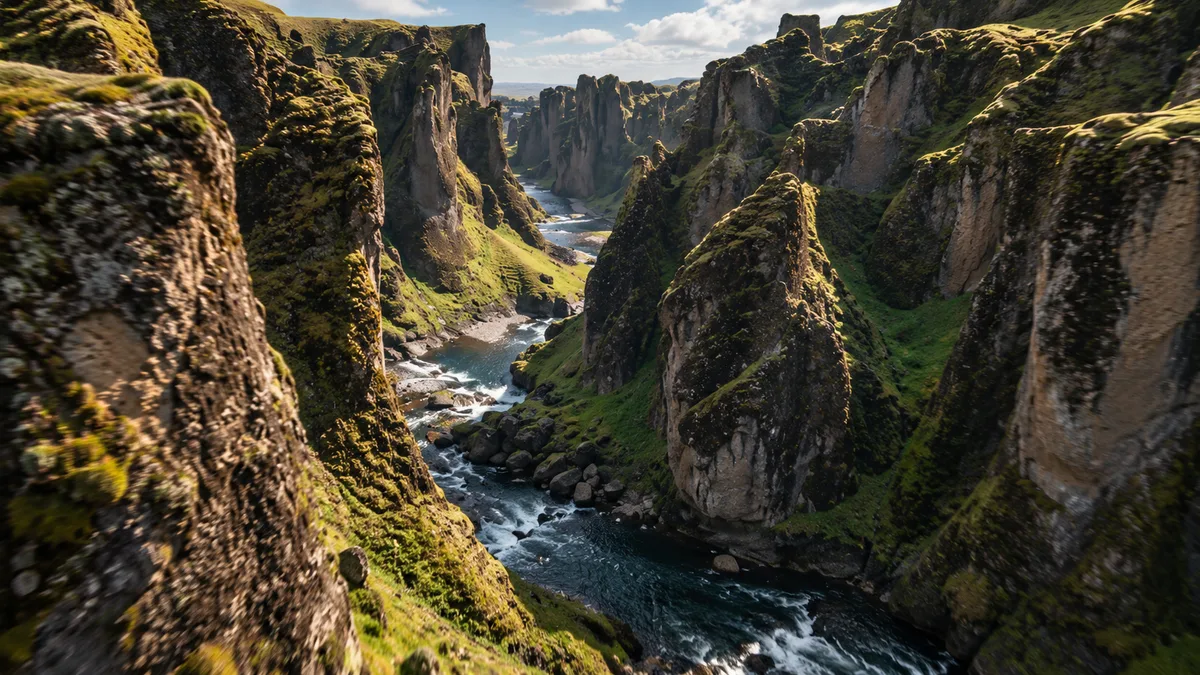
Extreme Canyon FPV
Fast FPV flight above a river canyon.
About the model
What Is Kling 4.0?
Kling 4.0 is a multimodal AI video generation model developed by Kuaishou.
It can generate and edit videos using text, images, video, subjects, and voice references. The model is designed to improve motion quality, visual consistency, audiovisual generation, and creative control.

30s
Native Video Generation
Create longer, more complete sequences in a single generation.
- Generate videos from 3 to 30 seconds
- Support long takes and continuous storytelling
- Give actions, dialogue and camera movement more room to develop
10 Keyframes
Multi-Keyframe Control
Direct important visual moments across the video timeline.
- Use up to 10 keyframe images
- Control character states and scene transitions
- Guide story beats, timing and visual progression
15 References
Omni Reference
Combine multiple reference types for greater creative control and consistency.
- Use up to 10 reference images
- Add up to 5 reference videos
- Combine up to 15 reference assets in one generation
Up to 4K Output
Professional-Grade Output
Create higher-fidelity video with richer color and audiovisual detail.
- Output up to 4K resolution
- 10-bit HDR listed for 1080p and 4K
- Two-channel stereo audio
What Can You Create with Kling 4.0?
From cinematic storytelling to product ads and social content, explore what you can create with Kling 4.0.

Cinematic Videos
Create cinematic scenes and story-driven videos with expressive motion, dramatic lighting, and dynamic camera work.
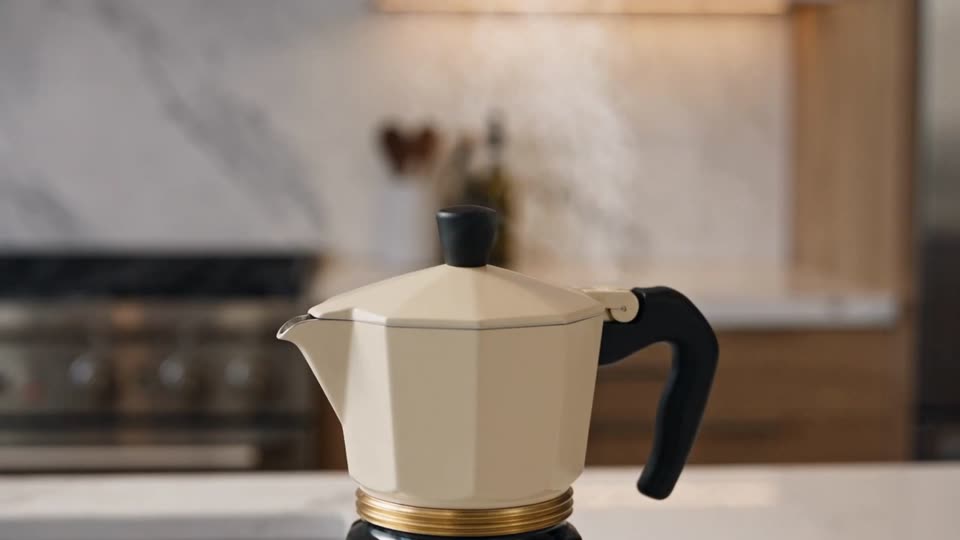
Product Videos
Turn products into polished commercials, showcases, and e-commerce videos with premium visual storytelling.
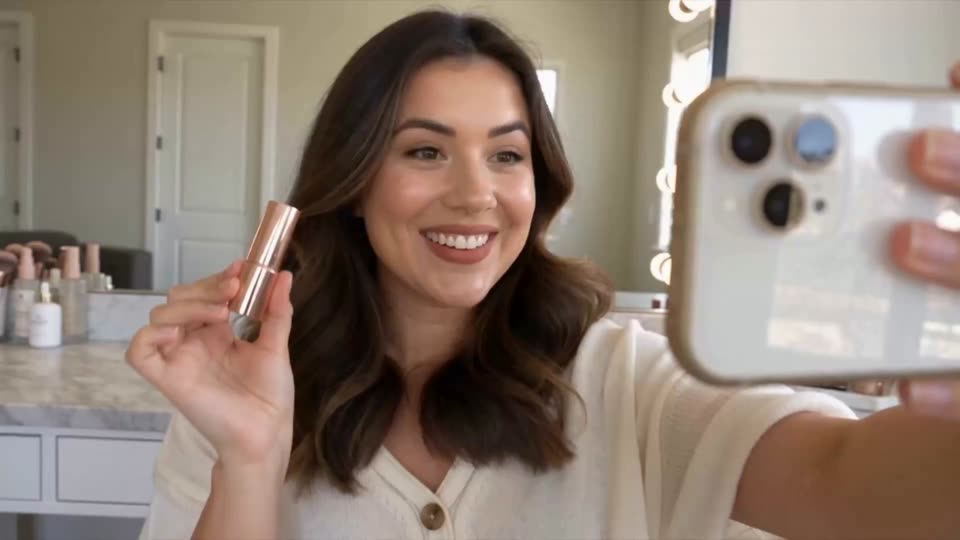
UGC Ads
Create natural creator-style product videos for ads, reviews, demos, and social campaigns.
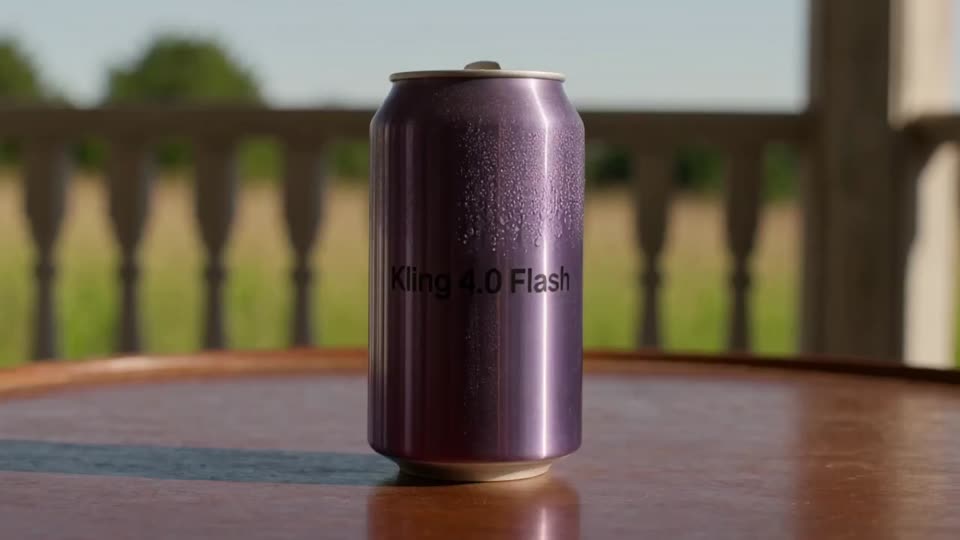
Social Media Videos
Create scroll-stopping short-form videos for TikTok, Reels, Shorts, and social campaigns.
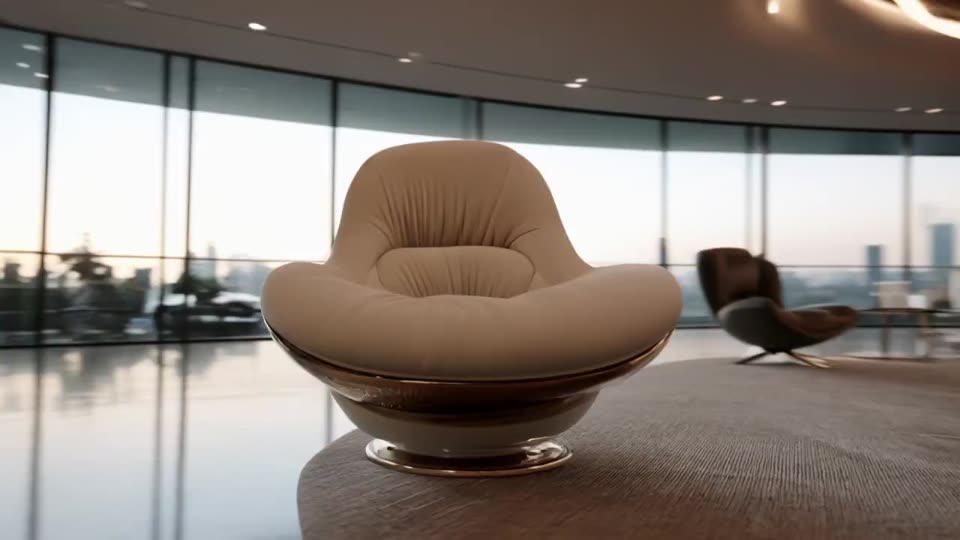
Image to Video
Turn photos and still images into dynamic videos with natural motion, camera movement, and visual effects.
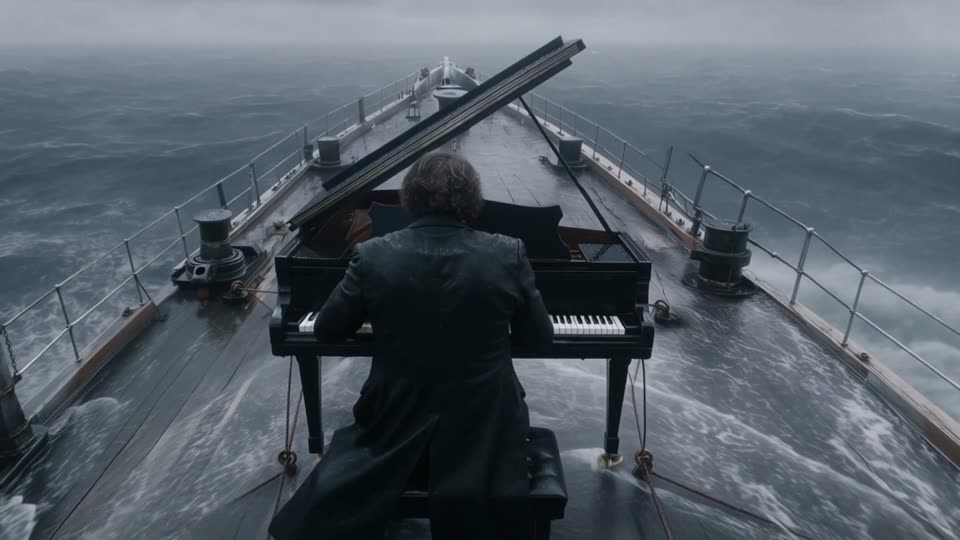
Music Videos
Create performance-driven music visuals with expressive movement, atmosphere, and cinematic camera direction.
How to Use Kling 4.0 to Create AI Videos
Turn an idea into a finished video in three simple steps.
01 Input
Add Your Prompt or Image
Describe your idea with a text prompt or upload an image to bring it to life.

Prompt + Image
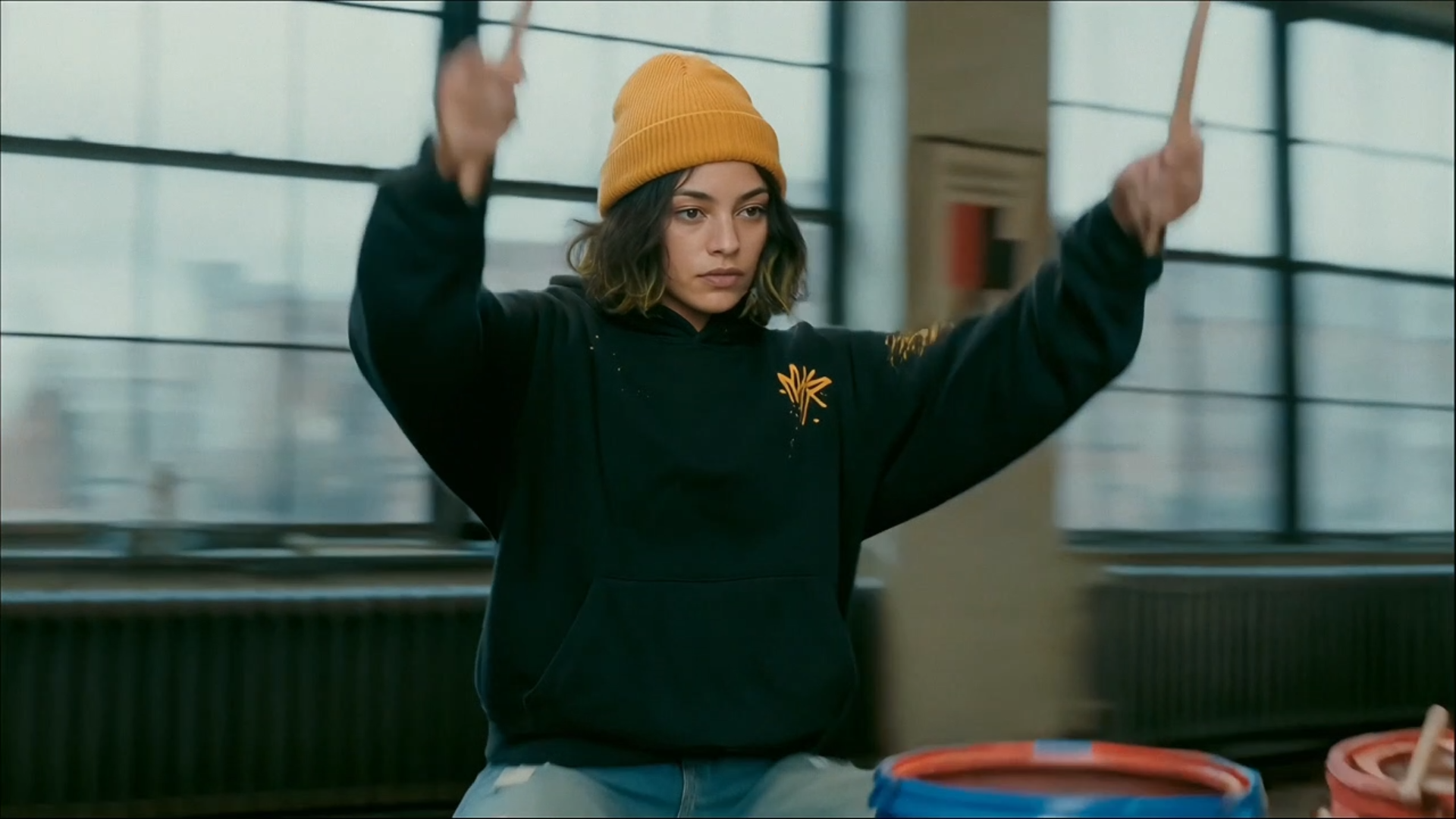
A musician at the drums. Slowly push in to a close-up...
02 Create
Generate with Kling 4
Choose your settings and let Kling 4 transform your idea into motion.
KLING 4.0
Generating video...
03 Output
Preview & Download
Preview your generated video and download the finished result.
↓ Download
Model evolution
Kling 4.0 vs Kling 3.0
More time. More control. More ways to create.
Kling 3.0
15s
Kling 4.0
30s
Video duration2× longer
Timeline control
Kling 3.0 · Start & End Frames
Kling 4.0 · Up to 10 Keyframes
Dynamic range
10-bit HDR
Kling AI describes 10-bit HDR at 1080p and 4K. Check the available output settings before creating.

Reference control
Up to 15
Combined Reference Assets
Combine richer multimodal references for more controlled generation.
Audio
Stereo Audio
Two-channel stereo audio for richer audiovisual output.
Video editing
Multimodal Editing
Edit characters, motion, scenes, camera direction, style, and visual details in a more integrated workflow.
| Feature | Kling 3.0 | Kling 4.0 |
|---|---|---|
| Video Duration | Kling 3.0Up to 15s | Kling 4.0Up to 30s |
| Timeline Control | Kling 3.0Start & End Frames | Kling 4.0Up to 10 Keyframes |
| Resolution | Kling 3.0Up to 4K | Kling 4.0720p / 1080p / 4K |
| Dynamic Range | Kling 3.08-bit SDR | Kling 4.010-bit HDR listed for 1080p / 4K |
| Audio | Kling 3.0Single-channel | Kling 4.0Two-channel Stereo |
| References | Kling 3.0Up to 7* | Kling 4.0Up to 15 Combined Assets |
| Languages | Kling 3.05 Main Languages | Kling 4.0Expanded Multilingual Support |
| Video Editing | Kling 3.03.0 Omni Workflows | Kling 4.0Integrated Multimodal Editing |
* Kling 3.0 reference limits vary depending on whether a video reference is used.
Explore the models and costs: Kling 4.0 vs Kling 3.0 · Kling 3.0 Omni · Kling AI pricing
Kling 4.0 vs Kling 4.0 Flash vs Seedance 2.5
Kling 4.0's clearest advantage is visual direction: place up to 10 keyframes to guide character poses, product reveals, and scene transitions across a 30-second video. Flash favors speed; Seedance 2.5 favors larger reference sets and targeted edits.
Kling 4.0
Featured- Best for
- Directing precise visual moments
- Clip length
- Up to 30 seconds
- Timeline control
- Place up to 10 keyframes
- References
- Up to 10 images and 5 videos
- Output
- Up to 4K
Kling 4.0 Flash
- Best for
- Faster, lower-cost iterations
- Clip length
- Up to 20 seconds
- Timeline control
- No multi-keyframes
- References
- Omni Reference support
- Output
- 720p
Seedance 2.5
- Best for
- Reference-heavy stories and edits
- Clip length
- Up to 30 seconds
- Timeline control
- Timestamp-based editing
- References
- Up to 30 images, 10 videos, 10 audio clips
- Output
- Up to 1080p on this site
Frequently Asked Questions About Kling 4.0
Kling 4.0 is Kuaishou’s next-generation AI video model, designed for more realistic motion, stronger creative control, and longer-form storytelling. It supports text-to-video, image-to-video, multi-keyframe control, Omni Reference, stereo audio, and multimodal video editing in a unified workflow.
Eligible accounts receive 50 free credits daily on this site. Sign in to check your available balance and the credit cost for your selected model and settings before generating. Some options may require more credits.
The full Kling 4.0 model supports native video generation from 3 to 30 seconds in a single generation. Kling 4.0 Flash supports videos up to 20 seconds. Kling has also announced video extension for longer sequences, with availability depending on the rollout.
Yes. Kling 4.0 supports 720p, 1080p, and 4K output. Check the available settings for your selected mode before generating.
Kling 4.0 expands on Kling 3.0 with native video generation up to 30 seconds instead of 15 seconds, up to 10 keyframes, richer multimodal reference control, two-channel stereo audio, expanded multilingual support, and more integrated multimodal video editing.
Kling 4.0 was announced on September 30, 2026. Kling 4.0 Flash entered early access on September 28, and the full Kling 4.0 model became available on October 15, 2026.
Yes. Kling 4.0 supports both text-to-video and image-to-video generation. Images can also be used as multimodal references to guide subjects, composition, visual style, key moments, and other elements of the generated video.
Yes. Kling 4.0 supports two-channel stereo audio with improved audiovisual synchronization and lip-sync. Its unified workflow is designed to coordinate visual and audio elements within the same video generation process.
Kling 4.0 supports up to 10 flexible keyframes in a single video generation. Keyframes can guide important moments such as character actions, scene transitions, camera movement, product reveals, and other story beats across the timeline.
Kling 4.0 supports up to 10 reference images and up to 5 reference videos, with reference videos totaling up to 30 seconds. A single generation can use up to 15 combined reference assets across supported reference types.
Kling 4.0 supports 21:9, 16:9, 1:1, and 9:16 aspect ratios, plus an Auto option. These formats cover cinematic widescreen, standard landscape, square, and vertical video creation.
Yes. Kling 4.0 supports multimodal video editing for targeted changes to subjects, expressions, body movement, camera position and motion, backgrounds, visual style, and other scene elements. The full model supports up to five input video clips in one editing task, with a combined input duration of up to 30 seconds.
Kling40.app is a multi-model AI video generation platform focused on Kling 4.0 while also offering other AI video models, such as Wan, for different creative needs. Users can choose from available models to generate videos from text or images, compare their capabilities, and select the best option for each project.
Your next scene
Ready to create
with Kling 4.0?
Bring your next idea to life with cinematic AI video. Start with trial credits—no credit card required.
Try the video generator
Imagine the next frame